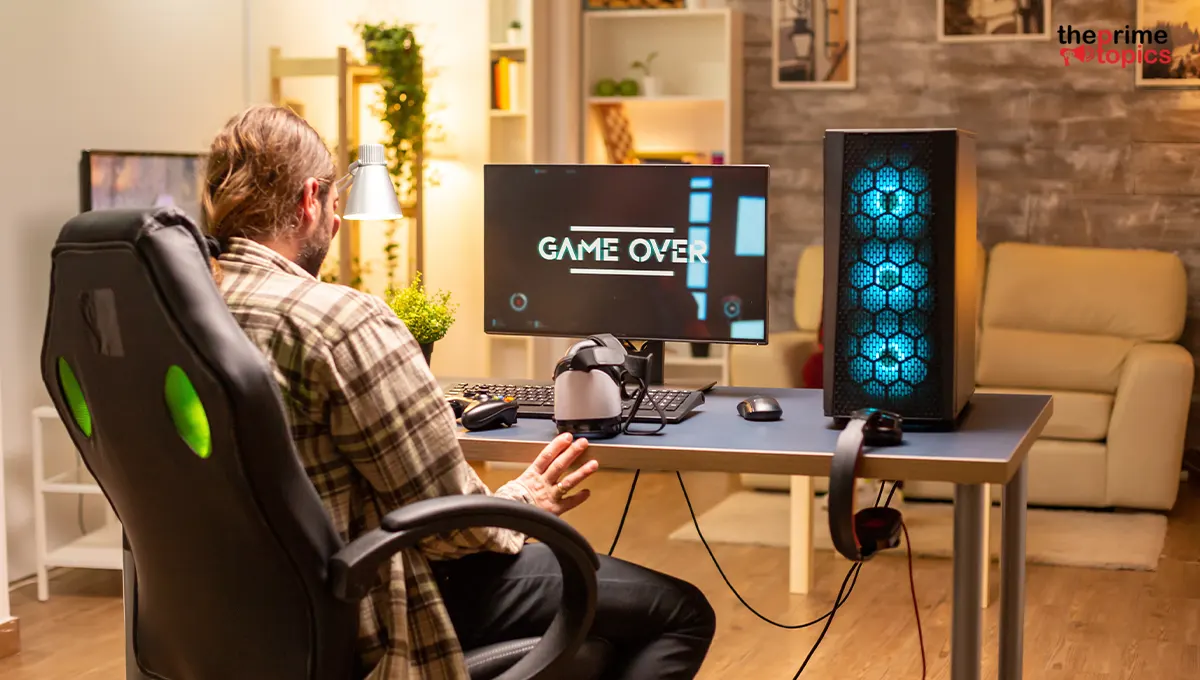
How to Build a Budget Gaming PC Without Wasting Money on Wrong Parts
Building a gaming PC on a tight budget isn't about buying the cheapest parts you can find. It's about spending money where performance matters and avoiding components that create bottlenecks, compatibility problems or expensive upgrades later.
A well-planned budget build can deliver smooth 1080p gaming without forcing you to pay for features you won't use. The key is knowing which components deserve more of your budget, which specifications actually matter and where cutting costs can backfire.
This budget gaming pc build guide walks you through the process so you can build smarter not simply cheaper.
Quick Overview
A successful budget gaming PC starts with a realistic total budget and clear gaming performance goals. The graphics card and processor usually deserve the largest share of the hardware budget. Compatibility between the motherboard, processor, memory, power supply and case is essential. Avoid overspending on flashy extras when that money could improve gaming performance. Comparing prices and planning future upgrades can help you build a PC that delivers lasting value.
Step 1: Decide What You Actually Want to Play
Before choosing components, decide what games you plan to play and at what resolution. For most budget gamers, 1080p gaming is the sensible target. It offers a good balance between image quality and hardware requirements. Competitive games may prioritize high frame rates, while demanding single-player titles may require more graphics processing power.
Ask yourself:
- What games will I play?
- Am I targeting 1080p or higher resolution?
- Do I care more about visual quality or frame rate?
- Will I use the PC for streaming or content creation?
- Do I plan to upgrade later?
Your answers should determine your component choices not the other way around.
Step 2: Prioritize the Graphics Card
When gaming performance is the priority, the graphics card generally deserves significant attention. A common mistake is spending heavily on the processor while choosing a weak graphics card. For a gaming-focused machine, balancing these two components is usually more effective.
Don't select a graphics card simply because it has more memory or a higher model number. Look at real-world performance for the games and resolution you care about. If you're searching for the cheapest gaming pc build 2026, focus on performance per dollar rather than choosing the lowest-priced component in every category.
Step 3: Choose a Processor That Matches Your GPU
Your processor needs to complement your graphics card. A powerful processor paired with an entry-level graphics card can result in money being spent where it won't significantly improve gaming performance. On the other hand, an extremely weak processor can limit a capable graphics card in certain games.
For a budget build, look for a processor that provides enough performance for your target games while leaving sufficient budget for the rest of the system.
Step 4: Don't Overspend on the Motherboard
The motherboard is important, but it doesn't directly determine gaming performance in the same way the CPU and GPU do.
Choose a motherboard that:
- Supports your processor
- Supports your chosen memory
- Has enough expansion slots
- Provides the ports you need
- Supports your upgrade plans
- Fits your PC case
You generally don't need an expensive enthusiast motherboard for a basic gaming build. Pay for useful features not features that will sit unused.
Step 5: Get Enough RAM
RAM affects multitasking and can influence gaming performance, particularly when running demanding games alongside other applications. For a modern budget gaming PC, having adequate memory capacity is more important than paying a premium for extreme speeds.
When creating your gaming pc parts list budget, allocate enough money for a sensible memory configuration while avoiding unnecessary premium upgrades. Also check your motherboard's supported memory type and capacity before purchasing.
Step 6: Choose Storage for Value
An SSD should be considered essential for a modern gaming PC. It can significantly improve operating system startup, application loading and game loading compared with older mechanical storage. However, don't automatically buy the fastest or most expensive SSD available.

For a budget build, prioritize:
Capacity → reliability → reasonable performance → price
You can always add more storage later if your motherboard has available slots or ports.
Step 7: Never Cheap Out on the Power Supply
This is one area where aggressive cost-cutting can become a mistake. Your power supply needs enough capacity for your components and should come from a reliable source with appropriate protections and efficiency characteristics.
Don't choose an unknown power supply simply because it saves a little money. A cheap power supply can put your entire system at unnecessary risk. When planning how to build a budget gaming pc, think of the power supply as the foundation of the build not an opportunity for maximum savings.
Step 8: Pick a Practical Case
Your PC case doesn't need to be expensive to be useful.
Look for:
- Adequate airflow
- Enough room for your graphics card
- Proper motherboard support
- Sufficient storage mounts
- Convenient cable management
- Included or compatible cooling fans
RGB lighting, tempered glass and premium finishes are optional. If choosing between a flashy case and a better-performing component, the component should usually win.
Budget Gaming PC Parts List
Here's a practical framework for allocating your budget:
|
Component |
Budget Priority |
What to Focus On |
|
Graphics Card |
Very High |
Gaming performance |
|
Processor |
High |
Balanced performance |
|
RAM |
High |
Adequate capacity |
|
SSD |
High |
Capacity and reliability |
|
Motherboard |
Medium |
Compatibility and features |
|
Power Supply |
High |
Quality and appropriate capacity |
|
Case |
Medium |
Airflow and compatibility |
|
CPU Cooler |
Medium |
Adequate cooling |
The exact percentage allocated to each component will vary depending on current prices and your gaming goals with Newegg.
Where Can You Save Money?
The cheapest gaming pc build 2026 doesn't mean choosing the cheapest possible version of every component.
Skipping unnecessary RGB: Lighting doesn't increase frame rates.
Choosing a sensible motherboard: Premium features aren't essential for every gamer.
Using a stock or affordable cooler when appropriate: You don't always need a large aftermarket cooling system.
Starting with a smaller SSD: Additional storage can be added later.
Choosing a value-focused case: Prioritize airflow over aesthetics.
Buying during sales: Hardware prices can fluctuate, so patience can pay off.
Avoid These Common Budget-Build Mistakes
A budget can disappear quickly when you make the wrong compromises.
Buying Based on Brand or Model Number Alone
A newer or higher-numbered component isn't automatically the best value.
Ignoring Compatibility
Check CPU socket compatibility, memory support, power requirements, physical dimensions and available connections.
Spending Too Much on Appearance
A beautiful case won't improve your frame rate.
Forgetting Accessories
Remember to budget for an operating system if needed, monitor, keyboard, mouse, Wi-Fi connectivity and other essentials.
Planning for Performance You Don't Need
If you only play at 1080p, there's little reason to build around extremely demanding higher-resolution gaming unless you specifically plan to upgrade later.
Should You Buy Components Separately?
Usually, yes. Buying components individually gives you greater control over your budget and allows you to take advantage of different discounts.
Newegg can be one place to check component pricing, but don't assume one retailer will always have the lowest price. Compare the final cost, shipping, warranty and return terms before buying. It's also worth checking bundle offers when several components are needed at the same time.
How to Build a Budget Gaming PC the Smart Way
If you're still wondering how to build a budget gaming pc, follow this simple order:
1. Set your maximum budget.
Don't start choosing components before establishing your spending limit.
2. Choose your target resolution and games.
This determines the performance level you actually need.
3. Select the GPU and CPU together.
Aim for a balanced combination.
4. Build around compatibility.
Choose the motherboard, RAM, power supply, case and storage around your core components.
5. Check the complete price.
Include shipping, accessories and any additional cooling requirements.
6. Leave room for future upgrades.
A little planning today can save you from replacing half the system later.
Final Verdict
A great budget gaming PC isn't defined by how little you spend. It's defined by how wisely you spend it. Prioritize gaming performance, choose compatible components, avoid unnecessary extras and don't compromise on critical parts such as the power supply.
Your gaming pc parts list budget should reflect your actual gaming needs rather than trends or flashy specifications. Newegg is worth checking when researching component prices, but always compare current deals and the complete purchase cost.
With careful planning, the cheapest gaming pc build 2026 can still provide an enjoyable gaming experience without turning your budget into a collection of compromises.
FAQs
1. How to build a budget gaming PC without wasting money?
Start by defining your gaming goals, prioritize the GPU and CPU, choose compatible components and avoid unnecessary spending on premium aesthetics or features you won't use.
2. What should I prioritize in a budget gaming PC?
For gaming, prioritize a balanced graphics card and processor. Then make sure you have adequate RAM, reliable storage, a quality power supply and sufficient cooling.
3. How much RAM does a budget gaming PC need?
The appropriate amount depends on your games and other applications. Focus on having enough capacity for your intended workload rather than paying extra for specifications you won't notice.
4. Is a cheap power supply safe for a gaming PC?
The lowest-priced power supply isn't necessarily a safe choice. Select a reputable, appropriately rated unit with suitable protections and enough capacity for your components.
5. Can I upgrade a budget gaming PC later?
Yes. A well-planned system can be upgraded over time. Leaving room for additional storage, memory or a future graphics card upgrade can extend the useful life of your PC.