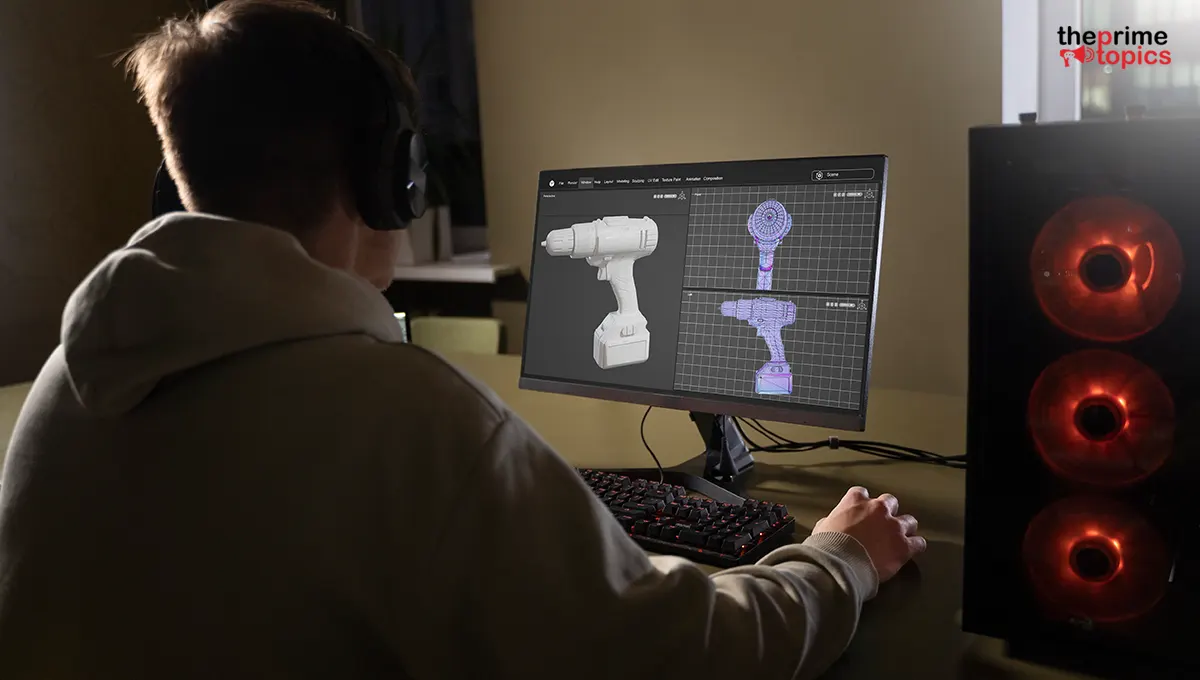
Free AI Tools for Game Developers: Generate 3D Assets Without a Modeling Degree
Creating game-ready models used to require years of practice with complex 3D software. Today, that's changing fast.
Whether you're an indie developer, a student, or simply experimenting with your first game, AI-powered tools can dramatically reduce the time needed to build high-quality assets. Alongside free 3D assets for game development, these tools help bring ideas to life without advanced modeling skills.
This article explains how AI fits into modern game development, when to use generated assets versus downloadable ones, and how to create a faster, more efficient workflow for your projects.
Quick Overview:
|
What You'll Learn |
Why It Matters |
|
How AI creates 3D game assets |
Speeds up development with minimal modeling experience |
|
When to use downloadable assets vs. AI |
Helps choose the right workflow for each project |
|
What makes a quality 3D asset |
Improves game performance and visual consistency |
|
Best practices for AI-generated assets |
Ensures production-ready results with fewer revisions |
Why Free 3D Assets Are Still Essential?
Using free 3D assets for game development remains one of the smartest ways to accelerate production, especially during early development. Instead of spending hours modeling basic objects like trees, furniture, rocks, or buildings, developers can focus on gameplay, level design, and testing.
Free assets are particularly valuable for prototypes, game jams, classroom projects, and indie productions with limited budgets. However, quality matters. Before importing any model into your game, check its polygon count, texture quality, supported file formats, and licensing terms. Choosing optimized assets not only improves visual quality but also helps maintain smoother game performance across different devices.
How AI Is Transforming Game Asset Creation
Artificial intelligence has introduced a completely new way to build game content. Rather than manually sculpting every object, developers can describe what they need, and an AI game asset generator creates a starting point within minutes. This dramatically shortens the concept-to-production process and encourages rapid experimentation.
Platforms like Meshy make this workflow approachable by converting text prompts into editable 3D models. Instead of browsing hundreds of existing assets, you can generate props, weapons, furniture, or fantasy objects tailored to your game's art style.
AI also helps maintain consistency by producing variations from similar prompts, making it easier to create cohesive environments without extensive modeling experience.
The result is more time spent refining gameplay and less time building every object from scratch.
When a Free AI 3D Model Generator Makes More Sense
Downloading existing assets works well for common objects, but unique games often require original designs. That's where a free AI 3D model generator becomes especially useful.
Imagine designing a sci-fi adventure that needs futuristic drones, alien plants, or magical artifacts. Finding these exact assets in free libraries can be difficult. AI allows developers to describe their ideas and receive custom models within minutes, providing a faster starting point for creative projects.
Solutions like Meshy are particularly useful during prototyping because they allow teams to test multiple concepts before committing to final designs. Developers can generate several variations, compare styles, and continue refining the strongest option. While AI-generated models may still benefit from minor editing or optimization, they significantly reduce the time required to reach a playable version.
From Text Prompt to Playable Game Asset
Creating text to 3D game assets is simpler than many beginners expect. The process begins with a clear prompt describing the object's appearance, style, colors, and purpose. AI interprets these instructions and generates a 3D mesh, often with textures included.
After generation, developers should inspect the model for topology, polygon density, UV mapping, and texture quality before importing it into their preferred game engine. Small adjustments in modeling software can further improve performance and visual polish.
Many developers combine AI-generated assets with downloaded models to build complete scenes more efficiently. Meshy, for example, supports rapid iteration, allowing users to modify prompts and regenerate improved versions until the asset matches their creative vision.
Best Practices for Combining AI and Free Assets
The most efficient workflow often combines AI generation with downloadable resources instead of relying exclusively on one approach.
Consider these best practices:
- Use free 3D assets for game development for common environment objects.
- Generate unique hero items with an AI game asset generator.
- Review licensing before using downloaded assets commercially.
- Optimize polygon counts for better game performance.
- Keep textures and art styles consistent across your project.
- Test generated models inside your game engine before final production.
This balanced approach reduces production time while preserving creativity, originality, and performance.
Conclusion
Game development no longer requires mastering advanced 3D modeling before bringing ideas to life. By combining free 3D assets for game development with AI-powered creation tools, developers can prototype faster, build more original worlds, and focus on delivering engaging gameplay.
Whether you're downloading proven assets or generating custom models through different platforms, the key is choosing the right workflow for each stage of development.
Start with free resources, experiment with AI where originality matters, and refine your assets as your project evolves. Try these techniques in your next game and see how much faster your creative process becomes.