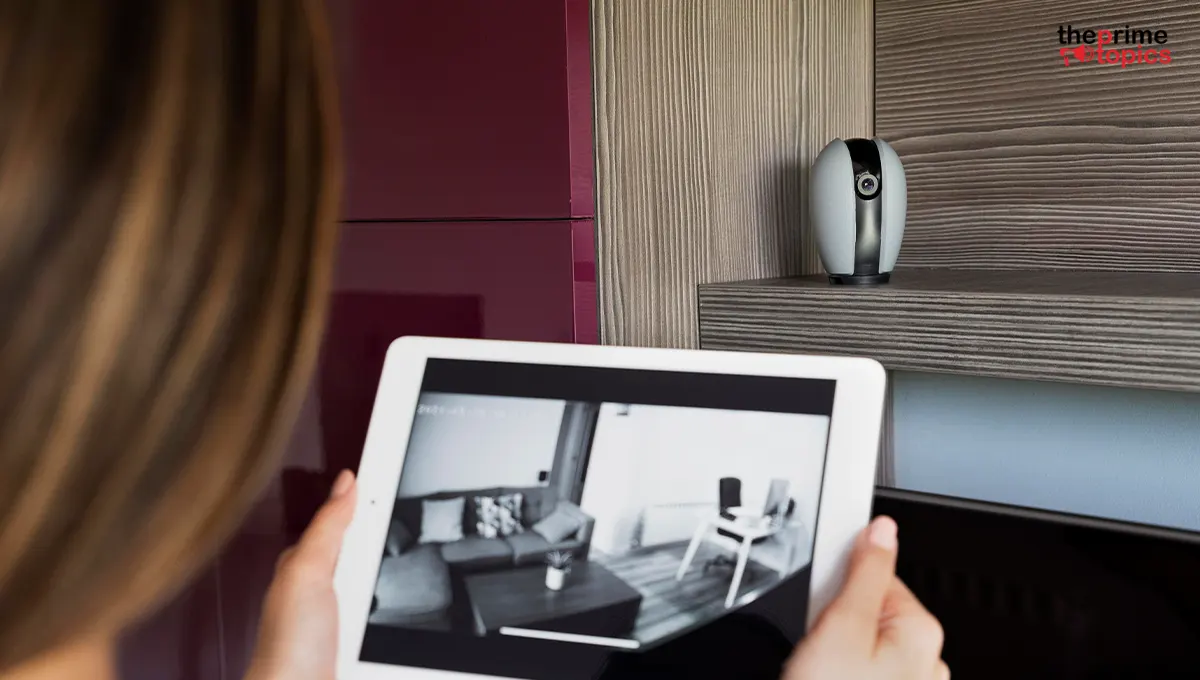
Best Smart Home Security Cameras Worth Installing
A smart security camera can do far more than record what's happening around your home. Today's cameras can send motion alerts, provide two-way communication, offer night vision, recognize familiar activity and let you check your property remotely.
But with countless models and features available, choosing the right camera can feel overwhelming. Do you need indoor or outdoor coverage? Is cloud storage worth paying for? Should you prioritize resolution, AI detection or a wider field of view?
This guide breaks down the features that actually matter so you can choose the best home security cameras for your space without paying for unnecessary extras.
Quick Overview:
The best smart security cameras combine clear video, dependable motion detection, night vision and convenient remote access. Indoor cameras are ideal for monitoring rooms, pets, children, entryways and other interior spaces. Outdoor cameras need weather resistance, strong night vision and reliable motion detection. Local storage can reduce recurring subscription costs, while cloud storage offers convenient remote access. The right camera depends on your home's layout, installation location, privacy preferences and monitoring needs. Newegg helps to find the best home security cameras.
What Makes a Smart Security Camera Worth Installing?
A security camera should provide useful information when you actually need it, not simply produce hours of footage.
Before buying, consider these important features:
- Video resolution: Higher resolution can provide clearer details.
- Night vision: Essential for monitoring after dark.
- Motion detection: Helps identify activity without recording everything.
- Two-way audio: Lets you communicate through the camera.
- Mobile notifications: Alerts you when something requires attention.
- Storage options: Check whether footage is stored locally, in the cloud or both.
- Weather resistance: Essential for exterior installations.
- Privacy controls: Look for features such as physical shutters or activity zones.
The best combination depends on where you plan to install the camera.
1. Indoor Security Cameras for Everyday Monitoring
Indoor cameras are useful for monitoring living rooms, hallways, nurseries, home offices and entry points. If you're looking for the best indoor security camera home, prioritize a wide viewing angle, clear video, reliable motion alerts and easy app access.
Two-way audio can also be useful when you want to communicate with someone inside the house without physically entering the room.
For privacy-conscious households, consider cameras with physical privacy shutters or options that allow the lens to be disabled when you're home.
2. Outdoor Security Cameras for Exterior Protection
Outdoor cameras face very different challenges from indoor models. Rain, dust, temperature changes, darkness and larger monitoring areas all require more capable hardware. When searching for outdoor security cameras worth buying, look for:
- Weather-resistant construction
- Strong night vision
- Wide viewing angles
- Motion detection
- Adjustable activity zones
- Reliable wireless or wired connectivity
- Clear footage at longer distances
Placement matters too. A camera positioned too high may cover a large area but produce less useful detail. A camera placed too low could be vulnerable to tampering. Aim for a position that balances coverage, visibility and physical protection.
3. Look for Smart Motion Detection
Not every movement deserves an alert. Wind-blown branches, passing cars, pets and changing lighting can trigger basic motion sensors. Smart detection can help filter activity and provide more relevant notifications.
Depending on the camera, detection features may distinguish between people, vehicles, animals or general movement. This can dramatically reduce unnecessary alerts and make your camera system easier to manage.
4. Night Vision Is More Important Than You Think
A camera that looks excellent during daylight may struggle after sunset. Infrared night vision is a standard feature on many modern security cameras, but performance varies. Check the camera's night-vision range and how clearly it captures movement in low-light conditions.
Some cameras also offer color night vision when additional lighting is available. If nighttime monitoring is a priority, don't judge a camera solely by its daytime video quality.
5. Choose the Right Storage Option
Storage is another important consideration.
Cloud storage allows footage to be accessed remotely and can simplify backup management. However, it may involve recurring subscription costs.
Local storage can reduce ongoing expenses and give you more direct control over recorded footage.
Some cameras offer both options, giving homeowners greater flexibility. Before purchasing, check exactly how long recordings are retained and whether advanced features require a subscription.
6. Wired vs Wireless Cameras
Wireless cameras are generally easier to install because they don't require a dedicated video cable. They're convenient for renters or homeowners who want flexible placement.
However, wireless models still need dependable Wi-Fi and usually require a power source unless they use batteries. Wired cameras can provide consistent power and connectivity but may require more complicated installation. Think about your home's layout before choosing between the two.
Smart Security Camera Comparison
|
Feature |
Indoor Camera |
Outdoor Camera |
What to Prioritize |
|
Video Quality |
High resolution |
High resolution |
Clear details |
|
Night Vision |
Important |
Essential |
Useful low-light range |
|
Motion Detection |
Important |
Essential |
Accurate alerts |
|
Weather Resistance |
Not usually needed |
Essential |
Suitable protection rating |
|
Two-Way Audio |
Useful |
Useful |
Clear communication |
|
Storage |
Cloud/local |
Cloud/local |
Flexible access |
|
Installation |
Simple |
More involved |
Suitable placement |
Finding the Best Smart Security Camera System
The best smart security camera system isn't necessarily the one with the most cameras.
Start by identifying the areas that actually need monitoring. A small apartment may only require one or two strategically placed cameras, while a larger property may need several cameras covering entrances, driveways, gardens and common areas.

Avoid creating unnecessary blind spots, but don't install cameras everywhere simply because you can. A thoughtful layout is usually more useful than excessive coverage.
Privacy Should Be Part of Your Buying Decision
Security shouldn't come at the expense of privacy. Before installing a camera, understand how footage is stored, who can access it and what security controls are available.
Use strong account credentials and enable two-factor authentication when supported. Keep camera firmware and associated applications updated. For indoor cameras, privacy controls are particularly important. A camera should give you control over when it records and who can view the footage.
How to Choose Without Overspending
You don't necessarily need premium features to create an effective home monitoring setup. Start with the features you actually need:
For indoor monitoring: prioritize clear video, motion detection, privacy controls and two-way audio.
For outdoor monitoring: prioritize weather resistance, night vision, motion detection and reliable connectivity.
For remote monitoring: prioritize a dependable mobile app and secure remote access.
For budget-conscious setups: consider local storage to potentially reduce recurring subscription costs.
If you're looking for the best home security cameras, focus on practical performance rather than impressive-sounding specifications.
Conclusion
The best home security cameras are the ones that fit your property's layout, monitoring needs and budget. Indoor cameras should focus on clear footage, privacy and convenient monitoring, while outdoor models need stronger weather protection and dependable nighttime performance. Smart detection, flexible storage and reliable connectivity can make everyday monitoring much easier.
If you're searching for outdoor security cameras worth buying, prioritize durability and useful detection features over unnecessary extras. For interior monitoring, choosing the best indoor security camera home depends largely on the rooms you want to monitor and how much control you want over privacy.
And remember a well-positioned camera with useful features is far more valuable than an expensive camera that doesn't suit your home.
Newegg is one place to research available options, but always compare specifications, total costs, storage requirements and warranty terms before making your final decision.
FAQs
1. What should I look for in a home security camera?
Focus on video quality, night vision, motion detection, storage options, connectivity, two-way audio, privacy controls and ease of installation.
2. Are indoor security cameras worth installing?
Yes. Indoor cameras can help monitor entrances, common areas, pets, children and other important spaces. Choose a model with strong privacy controls if it's installed inside living areas.
3. What are the best outdoor security cameras worth buying?
The outdoor security cameras worth buying should have weather-resistant construction, dependable night vision, accurate motion detection, clear video and reliable connectivity.
4. Do smart security cameras require a subscription?
Not always. Some cameras provide local storage without a monthly fee, while others offer optional cloud plans for additional storage and features. Check the specific storage model before buying.
5. Can I install security cameras myself?
Many modern cameras are designed for DIY installation. Wireless indoor models are typically easier to install, while wired or exterior cameras may require more planning and potentially professional installation.